
-57%
$3.29 – $10.99Price range: $3.29 through $10.99
🔒 Secure checkout • Installed by our team • Support after installation
No technical work on your side — our support team installs and activates it on your website, then supports you after installation.
Order only on digital365demand.com to get our installation service and support.
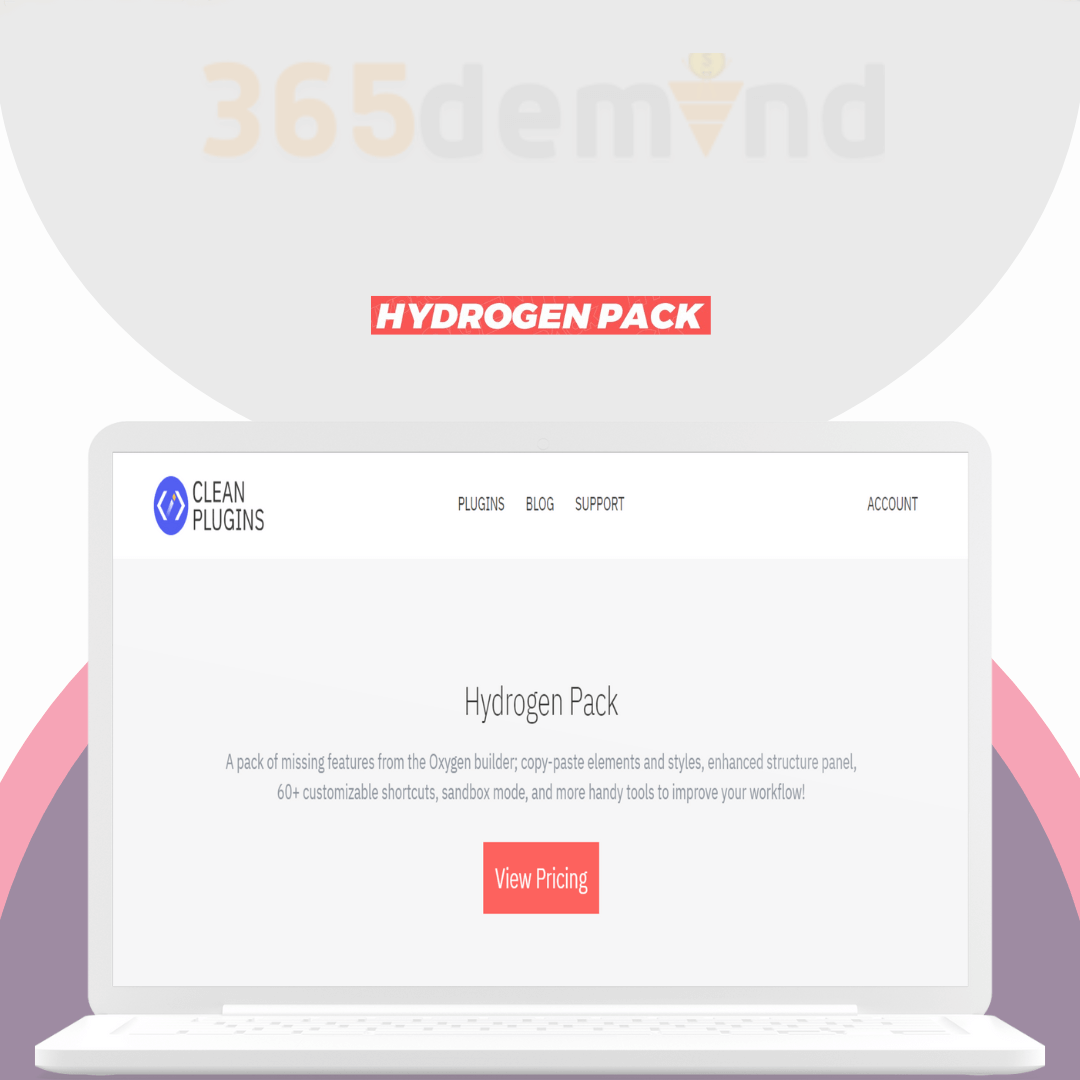
A pack of missing features from the Oxygen builder; copy-paste elements and styles, enhanced structure panel, 60+ customizable shortcuts, sandbox mode, and more handy tools to improve your workflow! here are some features that such a plugin could potentially offer:
✅ Copy Elements: How often you needed to create a reusable element, just to use it in one or more places? Remove that pain and simply use “CTRL (⌘) + C” and “CTRL (⌘) + V” where you need that element to be displayed. With its unique clipboard features, Hydrogen Pack allows you to copy Oxygen’s elements from one page or site to another as you usually do with text content. If you paste items from an external website, all global colors, and classes associated with it, will be imported. The Copy command generates a text code and saves it to your system clipboard, so you can also store it as in a backup file, or share it with someone else via email.
✅ Copy Styles: Similar to copy elements, this command allows you to apply the same styles to another component. Just use “CTRL (⌘) + Shift + C” to copy and “CTRL (⌘) + V” paste styles between elements. The command extract all styles and classes applied to the source element, and apply them to the target when you paste. It also generates a text code and saves it to your system clipboard.
✅ Right-Click Menu: Get a real app feeling with an intuitive contextual menu that saves you the time you usually spend moving the cursor around the corners of the builder interface to apply actions to the current element. Functions of the menu can be enabled and disabled within the plugin settings.
✅ Keyboard Shortcuts: We offer you an increasing number of over 60 keyboard shortcuts that you can customize with a combination of CTRL (⌘), Shift (⇧), Alt (⌥), and any other key. The keyboard shortcuts are your best friend if you need to save the page, copy and paste elements and styles, insert new elements, switch between the builder panels, go to the front end and back end, etc. The list is extensive and still growing.
✅ Sandbox Mode: Have you ever had a dream to make some minor changes to a live Oxygen website version without the fear of breaking it or intercepting the visitor’s experience? We make your dream a reality, with Hydrogen Sandbox mode, you can now work in an isolated environment of the same site, and send a unique secure link to your client for review. The live version of the site won’t be affected by any changes in the Oxygen builder until you publish them.
✅ Structure Panel Width: We care about large screen resolutions and the comfort of your workspace. The default structure panel width is 300px, and more space may be needed if you have long names or multiple nested elements. As a solution to this issue, we give you an option to change the panel width to whatever size you like.
✅ Compact Mode: If you have a small screen and can’t resize the structure panel, the compact mode will remove extra padding and margin to give you more space and work comfortably even in the default smaller panel width. You will be able to expand the list up to 8 levels of nested elements without dealing with the annoying horizontal scrollbar.
✅ Element Icons: As part of the structure panel enhancements, Hydrogen Pack adds icons to all elements in your structure panel. Having a visual indication for the items in your structure panel will help recognize them faster, especially if you renamed them.
✅ Disable Edit Locking: Since version 3.3, the Oxygen builder is preventing you from editing multiple pages. Also, while a page is open in the builder, you can’t make any changes to its custom fields or other page settings in the backend. This feature allows you to disable the edit locking and enable you to open and change as many pages as you want if you know what you are doing.
Preview Link: https://www.cleanplugins.com/products/hydrogen-pack/
Pick the plugin and the number of websites, then check out securely.
After your order, our support team contacts you and installs and activates it on your website.
Questions after installation? Our team is here to help you keep everything running.
| Digital365Demand | Buying Elsewhere | |
|---|---|---|
| Price | Save up to 70% | Full price |
| Activation with key | ✓ | ✓ |
| Yearly & lifetime choices | ✓ | ✕ |
| 1, 3 or 5 website options | ✓ | ✕ |
| Help with activation | ✓ | ✕ |

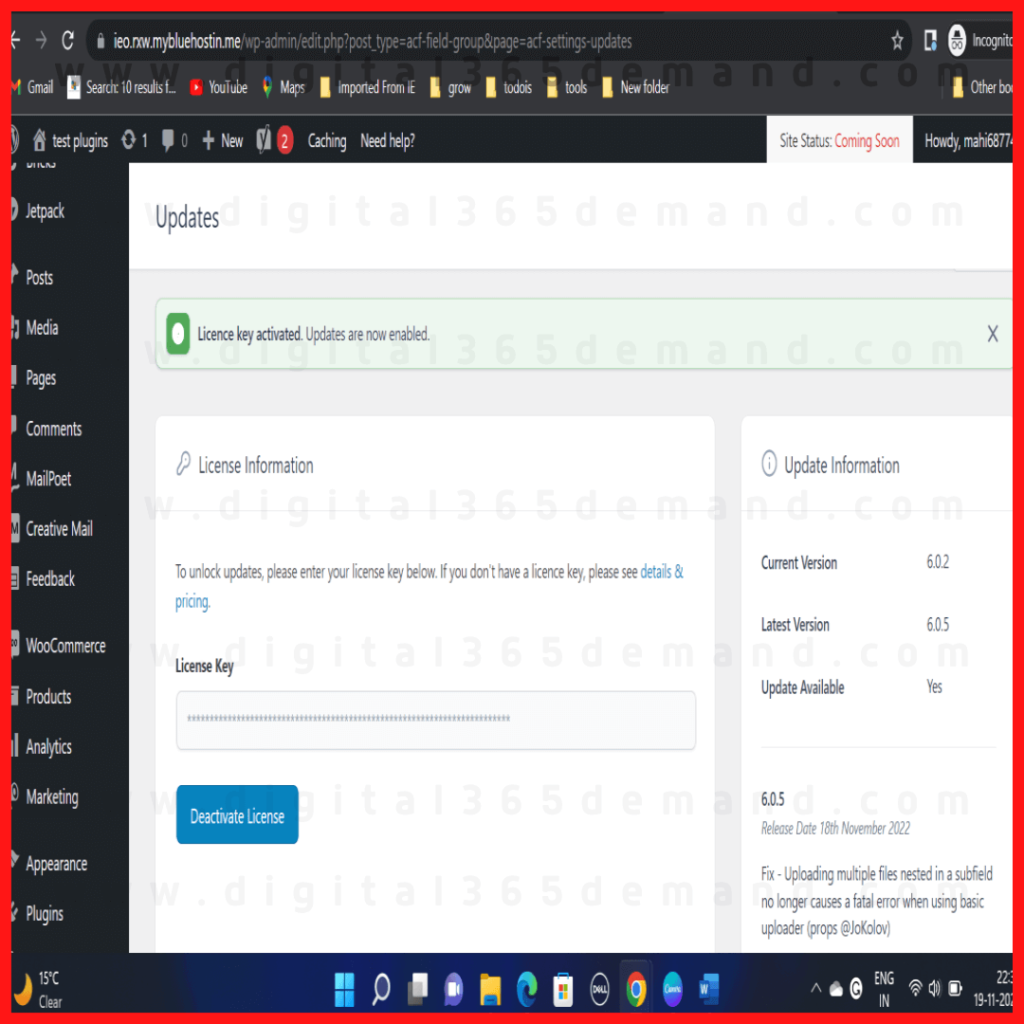


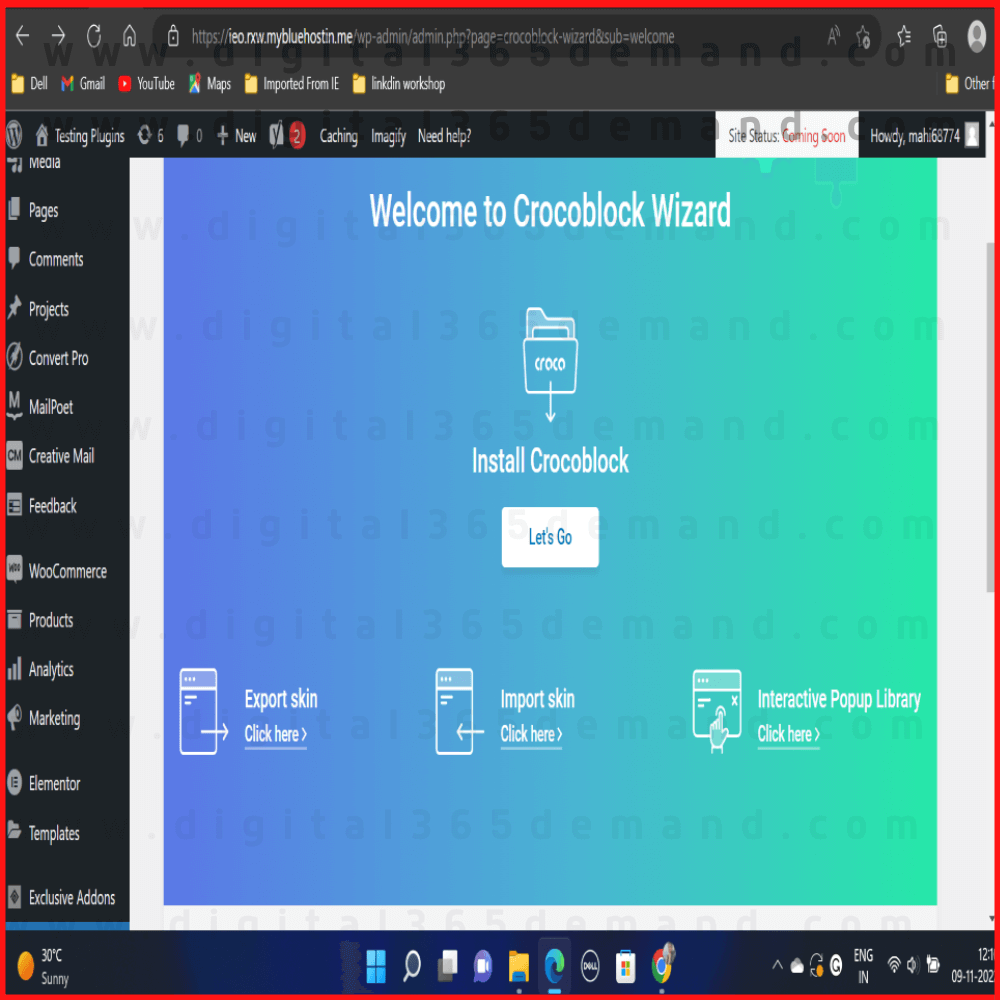


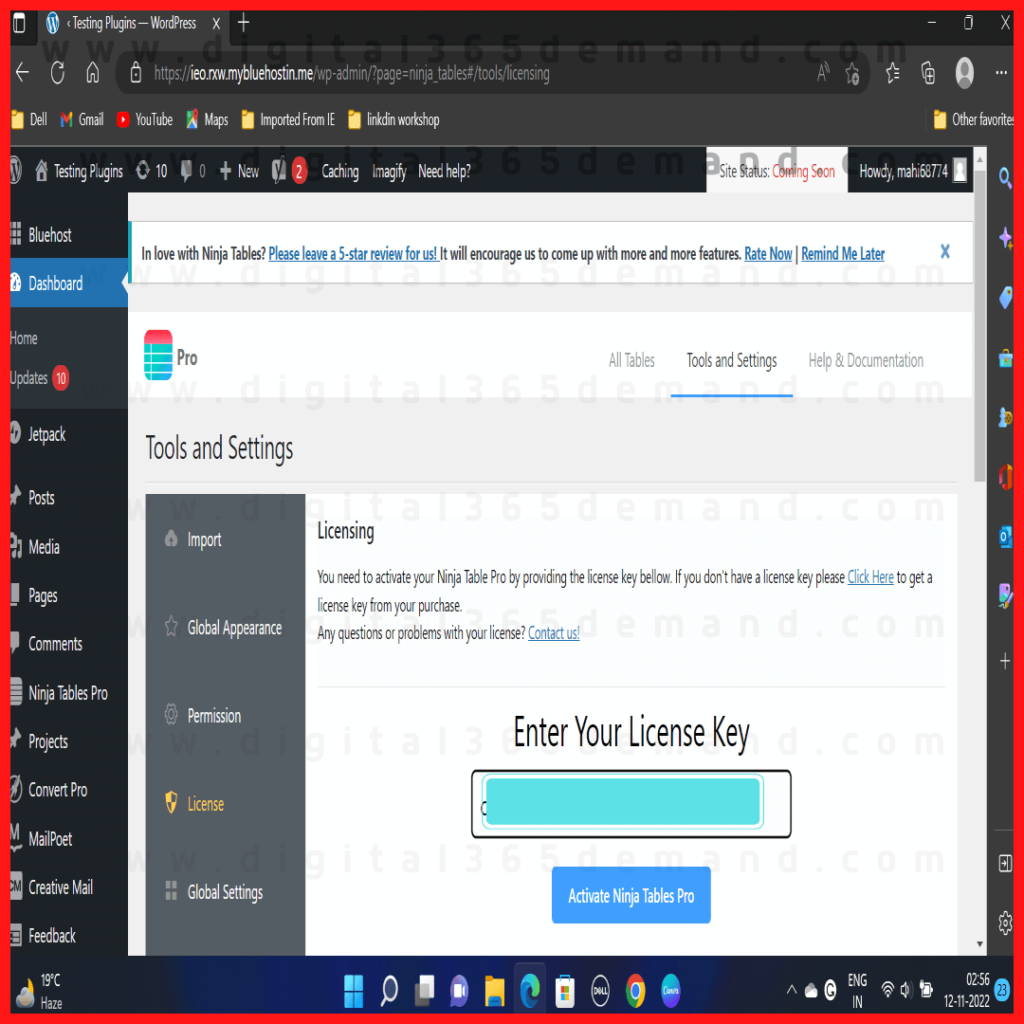


After your order is confirmed, our support team contacts you using the details from checkout and installs the plugin or theme on your website for you.
No. Our team handles the installation and activation. You just tell us which website it is for.
Yes — choose the 1, 3 or 5 website option when you order and we will install it on that number of sites.
Yearly plans include access for 12 months. Lifetime plans are a one-time payment.
Contact our support team with your order number and we will help — support continues after installation.
No account yet?
Create an Account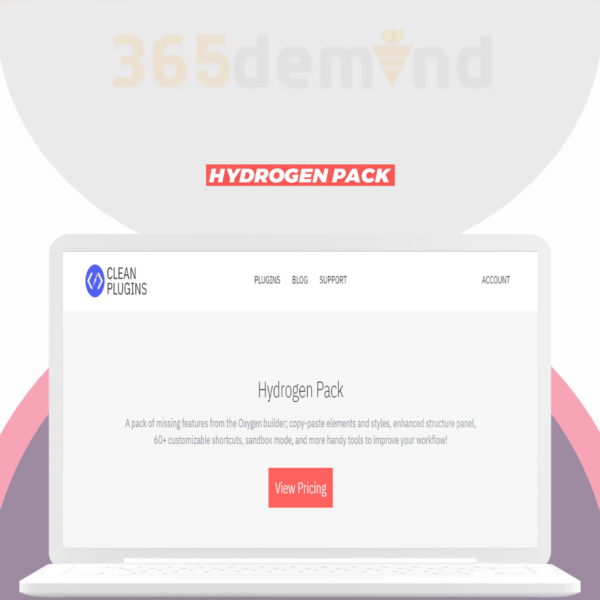
Reviews
There are no reviews yet.